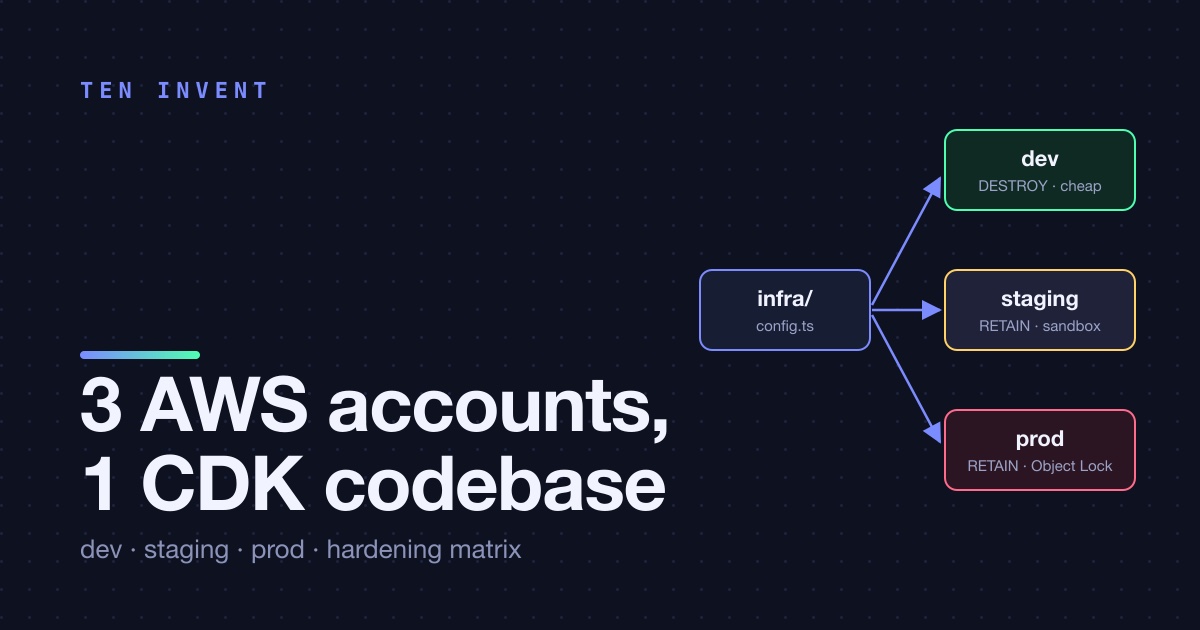
Most of the AWS articles on this blog so far have been guides: what a service does, how to set it up, what it costs. This one is different. It documents a real setup we built and operate for a client in 2026: a multi-app platform (three Next.js apps, four Lambda functions, a GraphQL API, DynamoDB, Aurora Serverless v2, S3, Cognito) that runs in three separate AWS accounts, one per environment, all deployed from a single CDK codebase.
We're deliberately not naming the client, the product or any account IDs. What we're sharing is the structure, the decisions, and the mistakes that shaped them. If you're a small team that has outgrown "one account with a -dev suffix on everything", this is the setup we'd recommend.
Why three accounts and not one account with three stacks
The platform started in February 2026 in one account that had been managed by hand. By April, an internal security audit produced a list of findings that all came back to the same root cause: dev, staging and prod resources shared IAM roles, shared KMS keys, shared wildcard grants (platform-* style table policies), and there was no way to say "this credential can only touch dev".
An AWS account is the only hard security boundary AWS gives you. Everything else — tags, naming conventions, IAM conditions — is a soft boundary that one wrong wildcard undoes. So the decision was:
- dev — a greenfield account, fully CDK-managed, cheap teardown allowed.
- staging — the legacy account, re-provisioned from the same CDK code after a controlled migration (May 2026).
- prod — a third, dedicated account, brought up from zero in June and launched at the end of July.
Same region in all three. Non-overlapping VPC CIDRs (10.50, 10.51, 10.52) so peering stays possible later. Each account has its own KMS keys, its own Cognito pool, its own secrets, its own CloudTrail.
One codebase, one config.ts
The whole point of three accounts is that the code is identical and only the configuration differs. We enforce that with a single file, infra/lib/config.ts, which is the only place where environments are allowed to differ. Every construct receives a StageConfig object and never asks "am I in prod?" directly.
The entry point looks roughly like this:
const stage = app.node.tryGetContext('stage') ?? 'dev';
const config = getStageConfig(stage);  // throws on unknown stage

new PlatformStack(app, `PlatformStack-${config.stage}`, {
  config,
  env: { account: config.account, region: config.region },
  terminationProtection: true,
  tags: { Project: 'platform', Stage: config.stage, ManagedBy: 'cdk' },
});
Two details matter here. First, the stack name carries the stage, so PlatformStack-dev and PlatformStack-prod can never be confused. Second, the account is pinned in env: CDK refuses to deploy if the credentials you're holding resolve to a different account than the one the stage expects. You cannot deploy prod with dev credentials by accident, and you cannot deploy dev into the prod account by accident.
The hardening matrix
This is the part we'd put on a wall. Instead of scattering if (stage === 'prod') across the codebase, each stage returns a typed config block, and the differences read like a table:
| Setting | dev | staging | prod |
|---|---|---|---|
| Removal policy | DESTROY | RETAIN | RETAIN |
| DynamoDB point-in-time recovery | off | on | on |
| DynamoDB customer-managed KMS | on | on | on |
| DynamoDB streams on sensitive tables | off | on | on |
| Document vault (S3) lifecycle | 30 days | 30 days | 7 years + Object Lock |
| Cognito advanced security | audit | audit | audit (enforce is a launch decision) |
| AppSync full request logging | on | on | off |
| X-Ray tracing | on | on | on |
| WAF on CloudFront + AppSync | on | on | on |
| AWS Config | off | on | on |
| CloudTrail + GuardDuty | on | on | on |
| Aurora Serverless v2 capacity | 0.5–4 ACU | 0.5–4 ACU | 2–16 ACU |
| Aurora backup retention | 7 days | 7 days | 30 days |
| Redirect Lambda reserved concurrency | 10 | 50 | 200 |
| Third-party identity verification | off (mock) | sandbox | production |
Reading that table you can tell immediately what "dev" means for us: cheap, disposable, but with the same shape as prod. KMS encryption is on everywhere, because turning it on later means re-creating tables. WAF is on everywhere, because a WAF rule that only exists in prod is a rule nobody has tested.
The dev block also carries one line we're proud of: an email allowlist set to a single unmatchable sink address. Dev holds copies of real user records, so the email transport drops every outgoing message. That's a product guarantee expressed in infrastructure config, not a comment in a README.
Branch to account, not laptop to account
Each account is fed by exactly one Git branch: dev → dev account, staging → staging account, master → prod account. Promotion to prod is a fast-forward merge, never a rebase, so the commit SHA that was tested on dev is the same SHA that ships to prod.
The CI/CD side uses GitHub's OIDC provider instead of long-lived access keys. Each account has two IAM roles:
github-actions-cdk-diff— read-only, assumable only from pull-request runs. It runscdk diffso reviewers see infrastructure changes before merge.github-actions-cdk-deploy— assumable only from pushes to that account's branch. It doesn't hold broad IAM powers itself; it delegates to the CDK bootstrap roles. Widening what CDK can deploy goes throughcdk bootstrap, not through editing a policy.
The trust policy pins the repository and the exact ref, so a fork or a feature branch cannot assume the deploy role.
We also learned, expensively, that cdk deploy from a laptop is a bug, not a feature. A local deploy without the right context flags once synthesized a template that was missing the App Runner services, and CloudFormation dutifully deleted them. That incident got its own article; the short version is that termination protection, a RETAIN aspect on critical resource types, and a loud banner when CDK runs outside CI are now part of the codebase.
Tags are how you find out what it costs
Every resource in every account carries three tags: Project, Stage, ManagedBy. With cost allocation tags activated in Billing, the monthly bill splits cleanly per environment. The numbers we can share without breaking confidentiality:
- Keeping Aurora Serverless v2 at a 0.5 ACU floor instead of auto-pause costs roughly 30 dollars a month per environment. We pay it on dev too, because auto-pause put a 15–30 second cold start on the signup path.
- The dev account is the cheapest of the three by a wide margin, mostly because of DESTROY policies, no AWS Config, and minimum-size App Runner instances.
- Prod's fixed floor is dominated by two warm App Runner instances for the public-facing app, the Aurora floor, and WAF.
Without the tags, "how much does staging cost us" is a question that takes an afternoon to answer. With them, it's a filter in Cost Explorer.
What went wrong along the way
An honest write-up has to include the bruises.
The CloudFormation 500-resource limit. One stack per account was the original design. By August the prod stack synthesized at exactly 500 resources and dev at 499. Adding one Lambda broke cdk synth. We split observability (log data-protection policies, metric filters, alarms, SNS) into its own stack and later moved a whole app into another. The lesson: design for multiple stacks per account from day one, with explicit exports, and don't let a single stack grow past about 350 resources.
Drift dies on the next deploy. CloudFront aliases and an ACM certificate were attached by hand to a distribution in July. The August CDK deploy replaced the whole DistributionConfig and silently removed them. Anything not in code doesn't exist. We now keep aliases and certificate ARNs in the stage config.
Build-time environment is not runtime environment. Next.js inlines NEXT_PUBLIC_* variables at build time. Runtime env vars on the container cannot change them. Our deploy script now reads the build-time config out of the synthesized template and passes it to CodeBuild per build, so a changed public variable reaches the browser on the first deploy instead of the second.
The rate limit that locked out the whole team. WAF's per-IP rate rule was set to 10,000 requests per 5 minutes. The client's QA team sits behind one office NAT address. A heavy testing session tripped the rule and every request from the office got a 403 for five minutes. It's now 30,000, and it's in config.ts, not in the console.
Would we do it again?
Yes, and earlier. The cost of three accounts is real but small: three CDK bootstraps, three OIDC roles, three sets of secrets to populate, and one config file that must stay honest. The cost of not having them is the audit finding list we started with, plus the permanent worry that a dev script with a wildcard grant might touch production data.
If you're setting this up for the first time, the order we'd recommend is: write config.ts with the hardening matrix first, even if half the settings aren't implemented yet; pin accounts in env and turn on termination protection before the first deploy; wire OIDC before you give anyone deploy credentials; and split into multiple stacks before you need to.
Want help structuring your own AWS accounts and CDK code this way? Talk to us — we've done it once the hard way so you don't have to.